URL bar to IP address
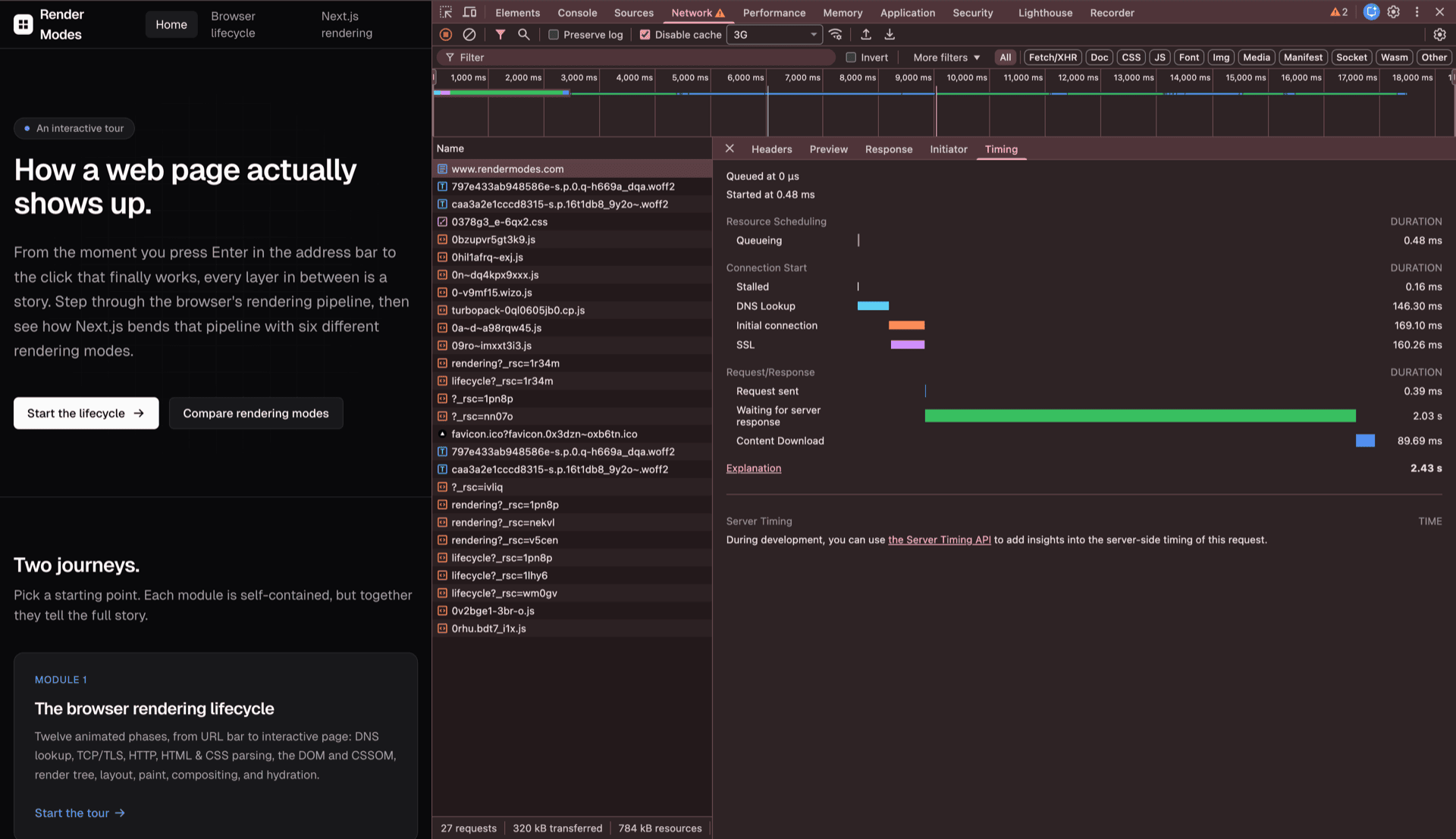
When you visit a website like this one, before rendering anything, the browser must determine the actual location of rendermodes.com on the internet.
You type https://rendermodes.com and hit Enter. The browser splits that into three pieces: the protocol https, the host rendermodes.com and the path /. But computers don't route by names, they route by numbers, so the browser still needs an IP address before it can talk to anything.
First it checks its own cache. If the name isn't there, it asks a DNS resolver, which works through a chain of servers, each one pointing closer to the answer:
- 1Root servers
.“I don't know rendermodes.com, but the .com servers will. Here's where to find them.”
- 2TLD servers
.com“I don't have the IP either, but I know which server is in charge of rendermodes.com. Ask them.”
- 3Authoritative server
rendermodes.com“That's me. The IP is 192.0.2.42.”
The browser caches that final IP, so the next time you visit, this whole chain is skipped.
Takeaway
Before any data can move, the human-readable name has to be turned into an IP address. That translation step is DNS.